When a computer, printer or network problem interrupts your business, the repair itself is only part of the work. Before a technician can fix anything, they need to understand what they are looking at: which devices exist, how they are connected, what was changed before and whether the problem is new.
When the same technician already understands your computers, network, applications and previous issues, less time is spent reconstructing the environment and more time can be spent solving the actual problem.
The Short Answer
- A technician who is new to your business has to learn your environment before they can safely fix it.
- A technician who already knows your setup starts with context: your equipment, configurations, past problems and previous changes.
- That continuity can reduce troubleshooting time, lower the risk of accidental changes and make recommendations more consistent over time.
- It does not eliminate diagnosis. Some problems always require investigation, no matter who handles them.
What a New Technician Has to Figure Out First
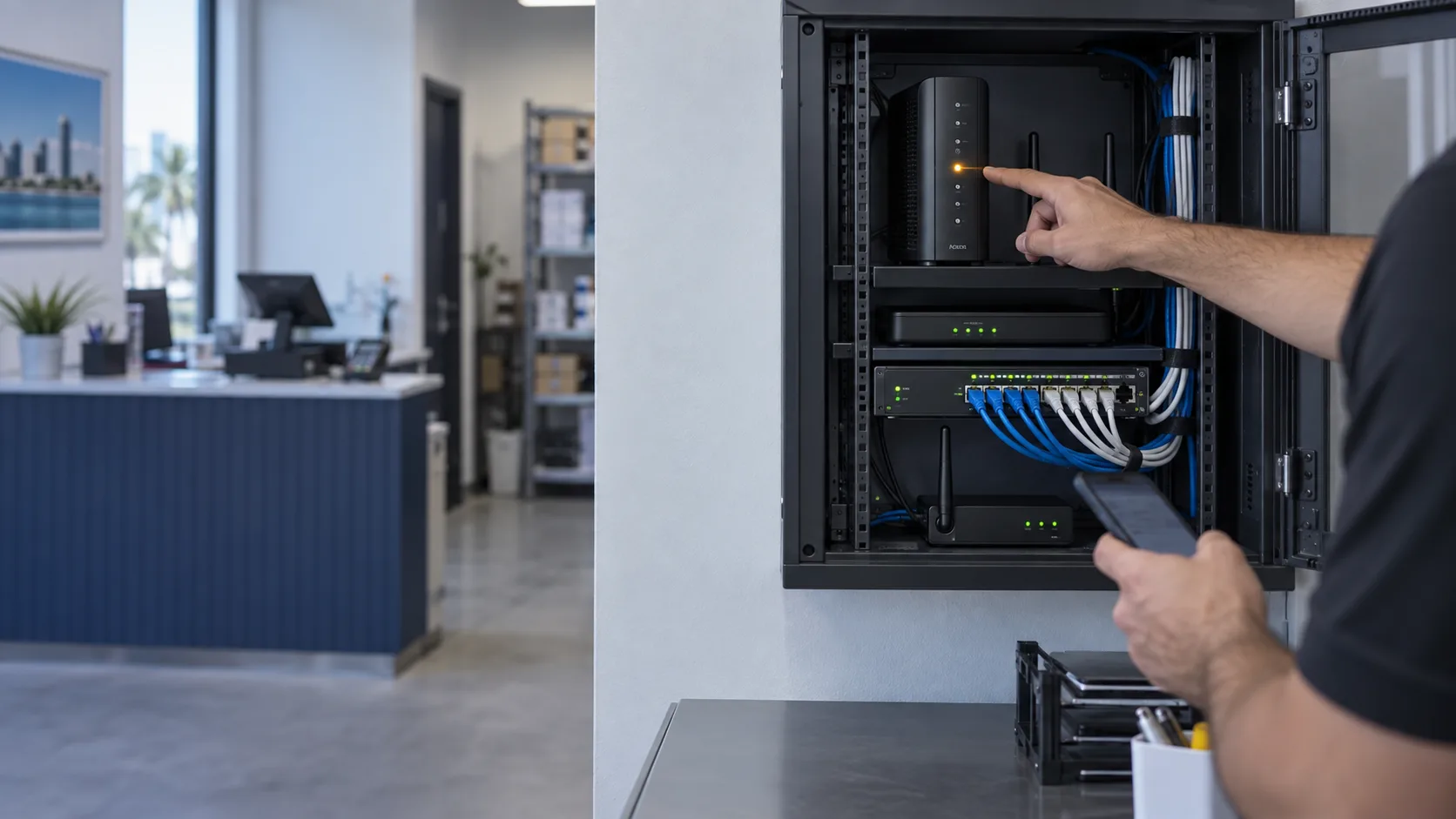
Every business environment is a little different. When someone walks into your office for the first time, a good technician will not start changing things right away. They first need to:
- Identify the equipment and how it is connected. Which computers, printers, switches, access points and other devices are on the network, and how they depend on each other.
- Understand the existing configurations. How the router, Wi-Fi, shared folders, printers and important applications are set up.
- Review what was changed before. Recent updates, new equipment, work done by another provider or settings someone adjusted.
- Determine whether the problem is new or recurring. A problem that has happened three times before is often a different problem than it appears to be.
- Avoid breaking something else. Making sure a fix for one computer does not affect a POS system, a camera recorder, a shared drive or another critical system.
All of that is necessary work. But when you call a different technician every time, you pay for that discovery process again and again, and the answers often depend on what your staff happens to remember in the moment.
What an Ongoing Relationship Preserves
When the same technician supports your business over time, useful information does not disappear after each visit. An ongoing relationship makes it possible to keep:
- Basic information about the computers and devices being supported
- Relevant configurations, such as how the network and key systems are organized
- Previous problems and the solutions that were applied
- Changes made during each visit
- Recommendations and pending items, such as aging equipment or a known weak point
- Follow-up reports when a situation calls for them
With that context, the next visit can start with better questions. Instead of "What do you have here?" the conversation becomes "This printer had the same issue after the last update; let's check whether the driver changed again."
How Continuity Can Reduce Troubleshooting Time
Familiarity with your environment helps in practical ways:
- Faster orientation. Less time is spent mapping the office before work begins.
- Better pattern recognition. Recurring problems are easier to spot when there is a history to compare against.
- Safer changes. Knowing how systems depend on each other reduces the chance that one fix creates another problem.
- More useful recommendations. Suggestions are based on how your business actually works, not on a one-time snapshot.
- Less explaining from your team. Staff do not need to describe the whole setup every time something goes wrong.
To be clear, continuity can reduce troubleshooting time; it does not guarantee a faster solution. A failing drive, an unusual software error or an intermittent network problem may still require careful diagnosis. What changes is where that diagnosis starts.
What Good Documentation Should and Should Not Include
Knowing your environment does not mean collecting everything. Good technical documentation is useful, organized and limited to what is needed to support your technology.
Useful to document
- Which devices are supported and where they are located
- How the network is organized at a practical level
- Important applications and which computers depend on them
- Problems, solutions and changes made during service
- Open recommendations and items to watch
What should stay out
- Passwords in plain text. Credentials belong in a secure password manager controlled by the business, not in notes, emails or shared documents.
- Unnecessarily sensitive information. Client records, financial data or personal information that is not needed to support the technology.
The goal is to preserve technical context, not to create another place where sensitive data could be exposed.
You Do Not Need Managed IT to Have Continuity
Many small businesses assume the only way to have a technician who knows their systems is a full managed IT contract. For a business with a manageable number of computers and no in-house IT person, that can be more than they need.
Priority Business Support is designed for that middle ground. It starts from $395 per location per month and includes:
- Two hours of remote or on-site support per billing month
- Coverage for up to 10 approved computers at one location
- Priority scheduling during regular service hours
- Support from a team that becomes familiar with your approved devices and existing systems
It is not a managed IT service, unlimited support, 24/7 coverage or a service-level agreement. It is a practical way to have someone who already knows your environment when something needs attention. Our plans and rates are reviewed from time to time, so the scope and monthly price are always confirmed with you before enrollment.
If your business also depends on its network for payments, phones, Wi-Fi or cameras, our business network services cover installation, troubleshooting, security and internet backup, and that network knowledge carries into day-to-day support.
Is Ongoing Support a Good Fit for Your Business?
An ongoing technician relationship tends to make the most sense when:
- Your team depends on its computers and network every day
- You do not have an internal IT employee
- The same types of problems keep coming back
- You have specialized software, shared printers or connected systems that are easy to disrupt
- You are tired of explaining your setup to a new person every time
If your technology rarely causes problems, calling for help only when you need it may still be the simpler option.
Frequently Asked Questions
Why does it matter if the technician knows my business?
A technician who already understands your equipment, configurations and history spends less time learning the environment and can focus sooner on the actual problem. It can also reduce the risk of a fix affecting another system.
Does a familiar technician always fix problems faster?
Not always. Continuity can reduce troubleshooting time, but some problems require diagnosis regardless of who handles them. The advantage is starting with context instead of from zero.
What information should an IT technician keep about my business?
Practical technical context: supported devices, relevant configurations, past problems and solutions, changes made and pending recommendations. Passwords should never be stored in plain text, and unnecessary sensitive information should not be collected.
Do I need a managed IT contract to have a regular technician?
No. Priority Business Support gives qualifying small businesses priority scheduling and included monthly support hours without a full managed IT contract.
How much does Priority Business Support cost?
It currently starts at $395 per location per month for up to 10 approved computers, with two support hours included. The final price is confirmed before enrollment based on your environment.
Get Priority Access to a Technician Who Already Understands Your Business Technology
Tell us about your business, your location, how many computers you use and the problems your team runs into most often. We will explain whether Priority Business Support is the right fit and exactly what it would cover.
Explore Priority Business Support, contact Miami Tech Emergency or call (305) 873-0480. Hablamos Español.