Loading Miami Tech Emergency
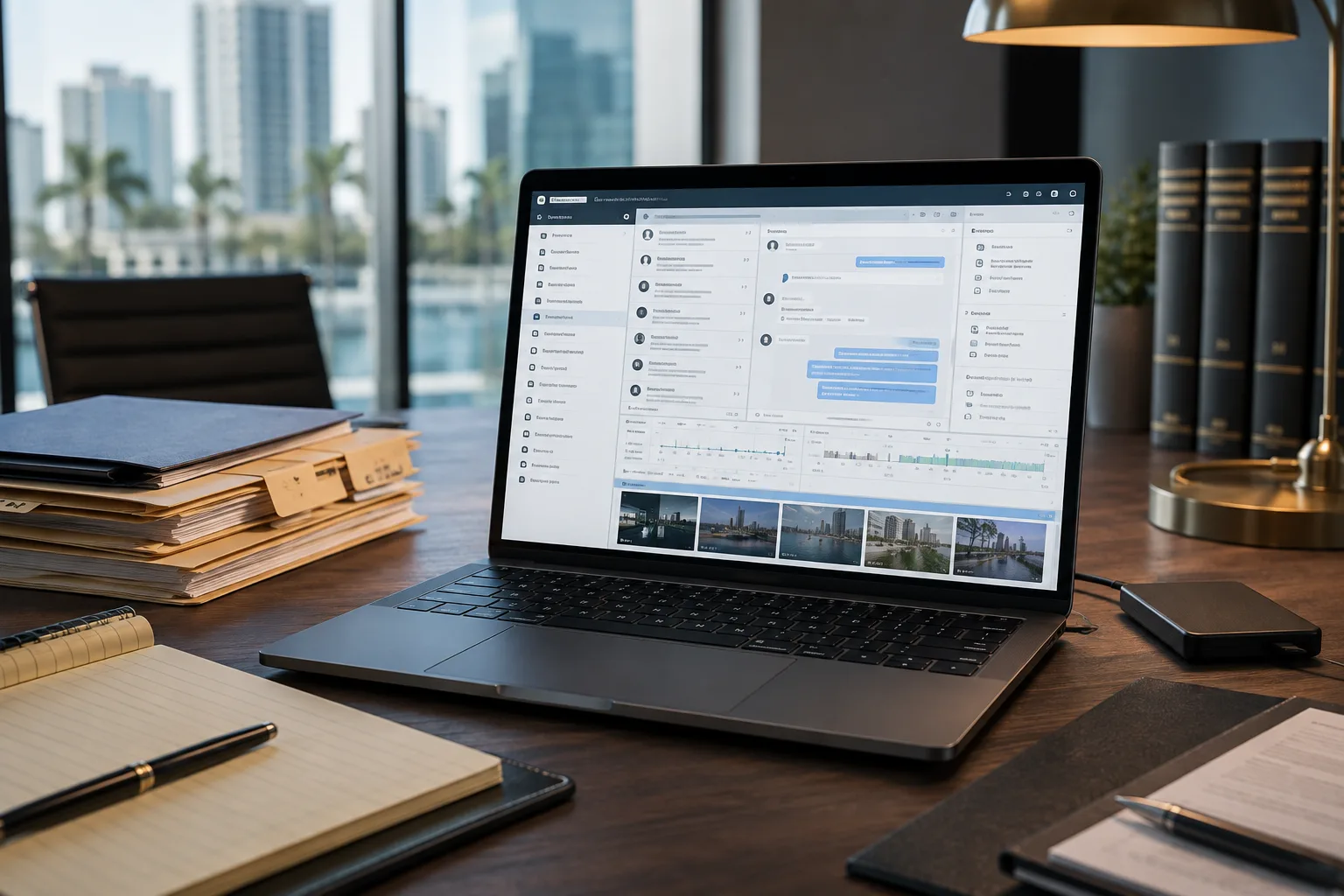
Attorney digital evidence review workspace with Windows laptop and case files
For attorneys, law firms & investigators

Cellebrite Evidence Review Support in Miami

Hands-on technical help opening, navigating, searching and organizing UFDR evidence, so your legal team can focus on the case instead of the software.

Starting at $550 for up to 3 hours of hands-on assistance.

You received an extraction. What happens next?

Turn a Large Digital Report Into a Workable Review Process

A UFDR can contain thousands of messages, calls, contacts, photographs, videos, application records and attachments. We help your team get oriented and handle the technical side of review. No prior Cellebrite experience is required.

  • 01

    Open what you received

    Identify the supplied report and associated files, then confirm they can be accessed in a compatible environment.

  • 02

    Find the material that matters

    Navigate categories, searches and filters using criteria directed by your legal or investigative team.

  • 03

    Build a repeatable workflow

    Organize selected items so your team can return to important records during preparation and later sessions.

Hands-on technical assistance

What We Can Help You With

The session is built around the evidence you already possess and the review priorities your team provides.

  • UFDR File Setup & Access

    Identify the case files you received, prepare a compatible Windows environment and open supported UFDR reports with Cellebrite Reader.

  • Cellebrite Reader Navigation

    Learn how the report is organized and move between communications, contacts, media, applications, timelines and other available artifacts.

  • Search & Filtering Assistance

    Run attorney-directed searches for names, phone numbers, keywords, conversations and specific date ranges.

  • Messages, Calls & Communications

    Navigate available text messages, chats, call records, contacts and related communication artifacts.

  • Photos, Videos & Attachments

    Locate and review photographs, videos, attachments and other media included in the provided report.

  • Timeline Review

    Use available timeline tools and date filters to focus on periods that matter to your case.

  • Bookmarks & Case Organization

    Organize attorney-selected items so important records can be located quickly during later review sessions.

  • Focused Reports & Exports

    Get help with the technical process of creating available Reader reports or exports from items your team selects.

Before the proceeding

Know Exactly Where Your Digital Evidence Is Before You Need It

We can prepare the review environment ahead of a deposition, mediation, hearing or trial so the technology does not get in the way.

  • Confirm access

    Verify that the supplied UFDR and associated case files open correctly before the proceeding.

  • Prepare the review laptop

    Configure the Windows laptop, local working folders and required software for reliable access.

  • Organize selected evidence

    Prepare bookmarks and quick access to attorney-selected conversations, dates, photographs and videos.

  • Test presentation readiness

    Check media playback, local availability and HDMI or USB-C display connections before they are needed.

Cellebrite case review setup & assistance

$550

Up to 3 hours

Large cases, multiple UFDR reports or extensive hearing preparation may require more time.

Additional assistance

$175/hour

Schedule a 3-Hour Session

A practical session built around your case

What Your Session Can Include

  • Initial review of the Cellebrite files you received
  • Windows laptop and Cellebrite Reader setup
  • Opening the provided UFDR report
  • Introduction to the Reader interface
  • Navigation through available evidence categories
  • Keyword, name, date and artifact filtering
  • Messages, media and timeline navigation
  • Bookmarks and organizational workflow
  • Assistance with available reports and exports
  • Preparation for continued independent review

Before your appointment

What You Need for a Productive Session

Having the review equipment, complete case files and appropriate access ready helps your team make the most of the scheduled time.

  • A Compatible Windows Laptop

    A modern 64-bit Windows laptop with an SSD provides the most practical portable environment for review and case preparation.

  • Your Cellebrite Case Files

    You must already possess the UFDR report and all associated files that will be reviewed.

  • Sufficient Storage Space

    The laptop needs enough free SSD capacity for the complete case materials. Very large matters may also require an external SSD.

  • Administrator Access

    Administrator credentials may be needed to configure the laptop or install required software.

  • Authorization to Review

    You are responsible for confirming that you are authorized to possess and access every item supplied for the session.

Don't have the right laptop?

Dedicated Cellebrite Review Laptop Setup

We can help your firm select and configure a portable Windows-based review system sized for the evidence you typically receive, with security, storage and presentation readiness considered from the start.

If a separate storage device needs to be migrated or preserved, review our Hard Drive & SSD Cloning service. Cloning is evaluated and scoped separately from Cellebrite review assistance.

Ask About a Review Laptop
  • Windows 11 Pro laptop recommendations
  • Processor, RAM and SSD capacity planning
  • Cellebrite Reader and case folder setup
  • BitLocker encryption and access settings
  • External SSD and backup workflow planning
  • USB-C, HDMI and presentation testing

Built for legal work

Who This Service Is For

Support is available to authorized professionals who already possess processed digital-evidence materials.

  • Criminal Defense Attorneys

    Technical assistance navigating authorized Cellebrite evidence received through discovery or other case materials.

  • Law Firms

    A repeatable workflow for attorneys and staff opening, searching and organizing UFDR reports.

  • Investigators

    Reader navigation and searches based on criteria supplied by the authorized investigative team.

  • Litigation Teams

    Prepare digital case materials and review laptops before depositions, mediations, hearings or trial.

  • Legal Support Professionals

    Practical help when a matter includes mobile-device evidence already processed by a forensic lab or examiner.

Flexible Support Without Giving Up Control

Remote or On-Site Assistance

On-site service is available at law offices and other authorized locations throughout Miami-Dade and surrounding South Florida. Remote support may be available when appropriate for the matter, security requirements and evidence size.

Your Evidence Stays Under Your Control

Whenever practical, review takes place on client-controlled equipment so the original materials remain in your possession. Additional confidentiality and data-handling requirements can be discussed before the session.

Clear service boundaries

What This Service Does Not Include

This is technical assistance with evidence already provided to you. The attorney, investigator or authorized client directs what information to locate and review.

  • Mobile-device forensic acquisition or creation of extractions
  • Unlocking phones or bypassing device security
  • Independent private investigation or evidence interpretation
  • Determining guilt or innocence
  • Expert-witness opinions or testimony
  • Authentication or legal admissibility determinations
  • Legal advice
  • Representation as a Cellebrite-certified forensic examiner

FAQ

Cellebrite Review Support FAQs

Stop fighting with the software

Start Reviewing Your Case

Tell us what files you received, the approximate size of the evidence and when you need to be ready. The standard session is $550 for up to three hours; additional time is $175/hour.

On-site service available in Miami and South Florida. For immediate scheduling, call (305) 873-0480.