Path 1
Clone a Healthy System
Choose cloning when you want the same computer and software environment to continue operating from a compatible replacement drive.
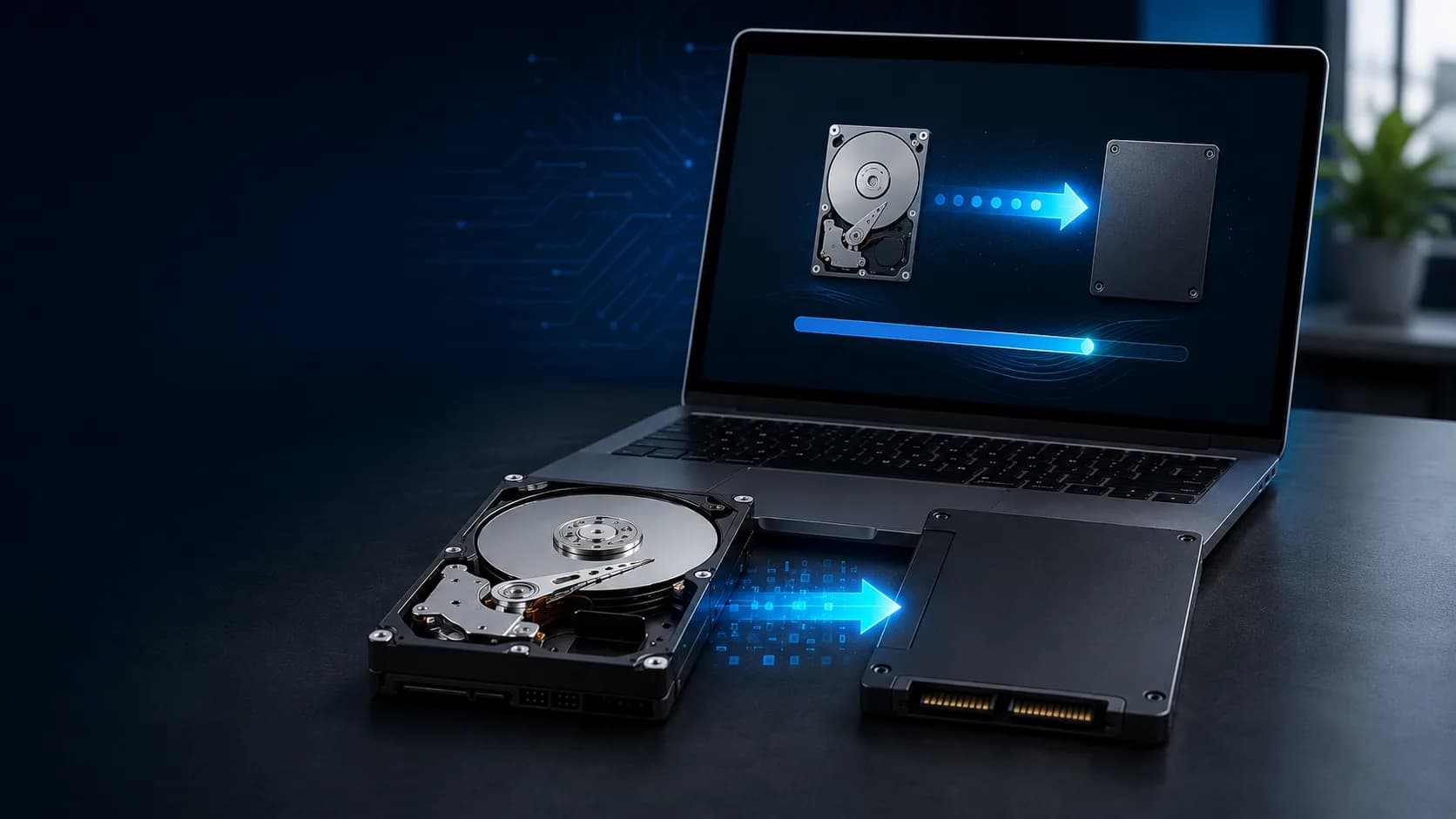

Professional hard drive and SSD cloning in Miami. Keep your Windows installation, programs, settings and files while upgrading to a compatible replacement drive.
When cloning makes sense
Disk cloning creates a copy of an existing storage drive on a compatible replacement. When the source drive and Windows installation are healthy, the new drive can become the computer's primary storage while preserving the environment you already use.
Keep a healthy Windows installation while moving it to faster storage for better startup times, application loading, file access and everyday responsiveness.
Migrate a full 256 GB or 500 GB drive to a compatible 1 TB, 2 TB or larger replacement, then make the additional capacity available to Windows.
Move the system while an older drive is still readable, before health warnings, bad sectors or intermittent errors become a complete failure.
Retain licensed applications, custom drivers, local databases, peripherals and years of business configuration that would be difficult to rebuild.
When the existing system is healthy, cloning can preserve Windows, programs, user profiles, settings, files and the partitions required to boot.
What the service covers
This is more than copying documents. The objective is to move the usable Windows environment safely, confirm that the new storage is compatible and verify the result.
We identify the source drive, computer design, operating system and available health information before recommending a migration.
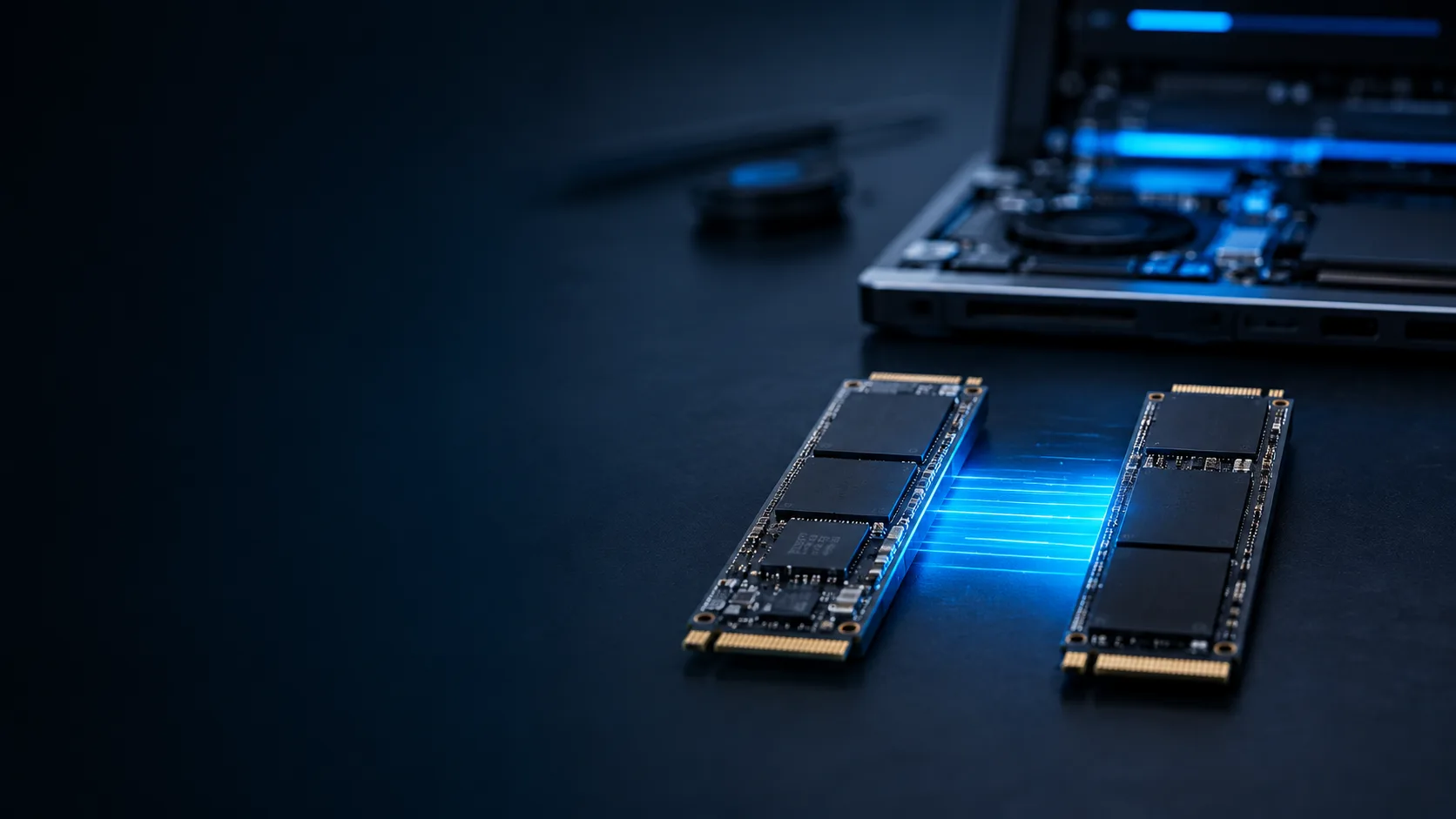
We verify capacity, physical format and interface, whether SATA, M.2 SATA or NVMe, before the replacement drive is selected or installed.
BitLocker, Device Encryption, recovery keys and Windows credentials are accounted for before work begins. We never bypass access controls.
Appropriate disk migration tools transfer the readable partitions, operating system, applications, settings and data to the compatible destination drive.
When installation is included, we fit the replacement drive, confirm that Windows boots and address basic drive detection or partition expansion needs.
We confirm the new drive is recognized, review available capacity and verify basic system operation before the migration is considered complete.
Know when to choose another path
Cloning preserves the existing environment, including many of its problems. We evaluate the source first and recommend a clean installation, file migration or recovery-focused service when that is the safer choice.
Cloning can carry crashes, corruption and years of unresolved software issues onto the new drive. A clean installation may produce a better result.
A complete clone may transfer malicious software along with the operating system and files. The system should be assessed before it is duplicated.
Clicking, disappearance and severe read errors can make normal cloning unsafe or unreliable. Protecting the data may need to take priority.
If the goal is to move documents and photos to another computer, file migration can be simpler and more appropriate than cloning a complete system.
Choose the right approach
The goal determines the service. Cloning preserves a working system; file migration moves selected information; recovery prioritizes access to data on a damaged or unstable source.
Path 1
Choose cloning when you want the same computer and software environment to continue operating from a compatible replacement drive.
Path 2
If the source clicks, disappears or produces serious read errors, stop using it. A recovery-focused assessment may be safer than a normal full-disk clone.
Every migration starts with the source, not the new drive. We confirm that cloning is technically appropriate before data is transferred.
We review the computer, source drive, Windows condition, drive health and the reason for the migration.
We check the replacement drive, usable capacity, interface, partition layout and encryption requirements.

We transfer the readable storage environment and install the replacement drive when that is part of the approved scope.

We test Windows startup, drive recognition, available storage and basic system operation on the new drive.
Every computer and storage configuration is different. We evaluate the system before confirming the final scope and price.
Starting price: $300. Replacement hardware is evaluated separately, and no work begins until you approve the scope.
The amount of readable data, source capacity, SMART health, read errors and the speed of both drives affect transfer and verification time.
Moving to a smaller drive, working across SATA and NVMe, or using adapters and enclosures can add preparation and technical complexity.
BitLocker, EFI and recovery partitions, GPT or MBR layouts, Secure Boot and unusual boot configurations must be reviewed and handled correctly.
Thin laptops, all-in-ones and specialized workstations can require more disassembly, while some systems need additional boot, firmware or licensing work after migration.
You receive a case-specific price after the computer, source drive and replacement drive requirements are reviewed.
Tell us what the computer is doing and what you need to preserve. We'll evaluate the system and recommend the right path. If the drive is making unusual noises or disappearing, stop using it and review our data recovery assessment. Attorneys and legal teams working with a UFDR report that has already been provided to them can also review our separate Cellebrite Evidence Review Support service.
Hard drive & SSD cloning FAQ
Request an assessment
Include the computer model, current drive capacity, approximate used space, desired replacement capacity, any health warnings and whether BitLocker is enabled. If you do not know, we can evaluate those details.
Service starts at $300. The replacement drive, encryption and technical scope are confirmed before work begins.
Prefer a faster response? Email info@miamitechemergency.com or call (305) 873-0480.


We provide on-site computer repair across Miami-Dade and selected Broward cities, with availability confirmed by schedule, distance, and service type.
Miami-Dade
 BrickellDowntown MiamiWynwoodCoral GablesDoralKendallCoconut GroveMiami BeachNorth MiamiMiami LakesMiami SpringsHialeahWestchesterAventuraSunny Isles BeachBal HarbourSurfsideBay Harbor IslandsPinecrestCutler BayHomesteadMedleySweetwaterEl Portal
Key Broward cities
Fort LauderdaleHollywoodPembroke PinesMiramarDaviePlantationWestonSunriseCoral SpringsNearby neighborhoods may also be available. If you're not sure whether your location is covered, call us and we'll confirm the best option for your area.
Call us to check availability








 Chat with us on WhatsApp
 Call us at (305) 873-0480
 Text us at (305) 873-0480