Cameras
Available models, status, connectivity, image configuration and supported capabilities.
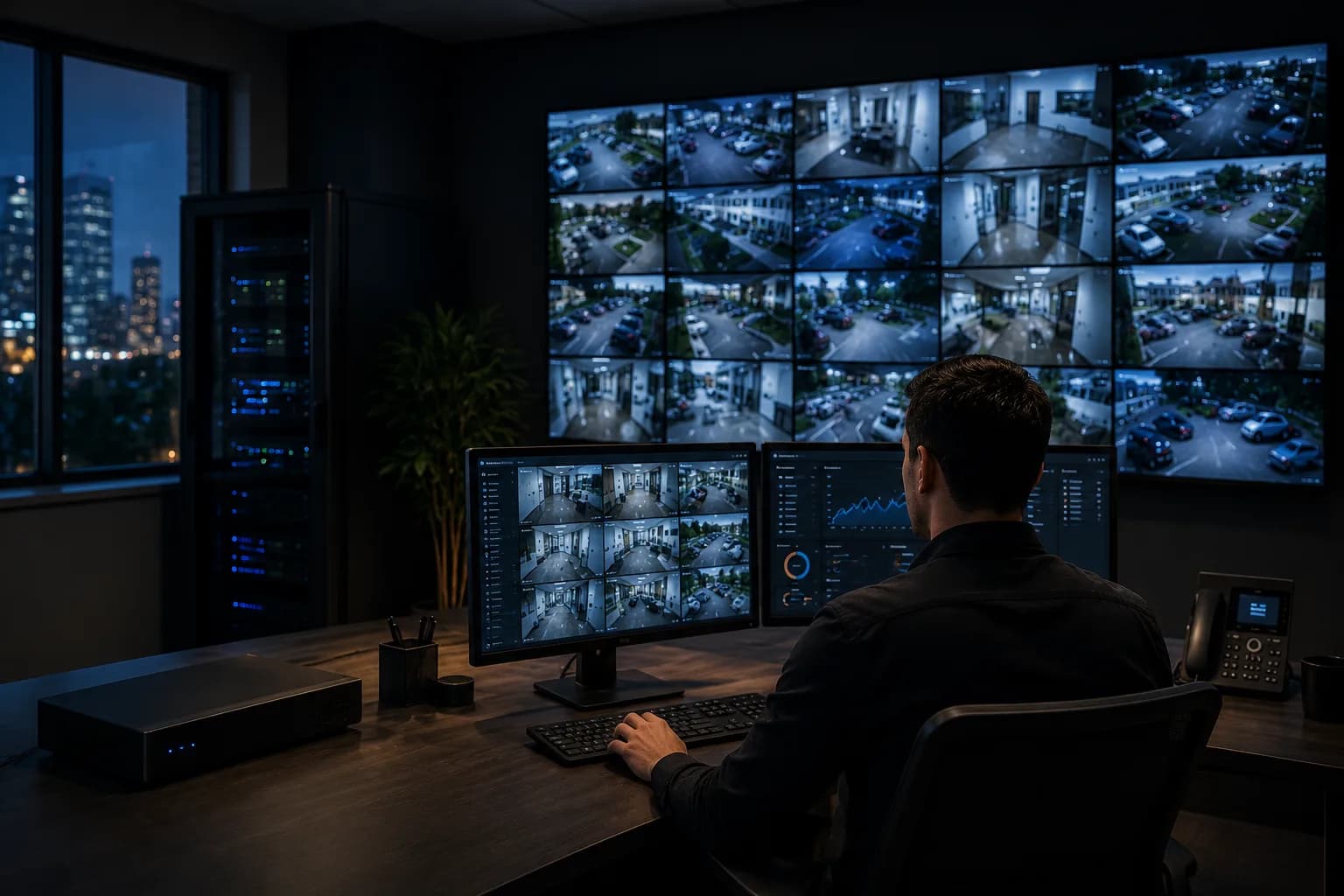
A documented review of your existing camera environment to identify problems, limitations and practical next steps before you invest in replacement equipment.
Before You Replace Anything, Find Out What's Actually Wrong.
Not sure why cameras keep disconnecting, whether the NVR is the problem or how an inherited surveillance system is configured?
Surveillance systems evolve. Equipment gets added, configurations change, passwords disappear, networks get replaced and eventually something stops working.
Instead of immediately recommending new equipment, we start by understanding the existing system.
Depending on the system, available administrative access and the nature of the problem, an assessment can include:
Available models, status, connectivity, image configuration and supported capabilities.
NVR/DVR configuration, recording behavior, stream settings and system status.
Available recording capacity and current retention behavior.
Communication between cameras, network devices and the recorder.
Available switch, device and port information for network-connected surveillance equipment.
Performance of existing Wi-Fi or wireless links affecting surveillance connectivity.
Current methods used by authorized users to access video remotely.
How system access and permissions are currently organized.
Resolution, encoding, exposure and other supported settings that affect usable image quality.
Existing motion, person, vehicle or other intelligent detection capabilities supported by the current system.
Pause to explore
You receive a written summary of the assessment: equipment identified, issues found, configuration vs. technology limitations, and prioritized next steps. It's yours to keep, whether or not you hire us for the improvements.
No vague recommendation to change everything without first understanding why.
Transparent pricing
The Camera System Assessment is a scheduled, flat-rate visit priced by property size and camera count. You'll know the exact price when you book, and the documented findings are yours regardless of who performs the improvements.
A previous owner, IT provider or management company configured everything.
Nobody currently knows how the environment was configured.
Different cameras, network devices or technologies have been added over time.
The same cameras or connections repeatedly fail.
You want a technology assessment before making a larger investment.
You need a clearer explanation of what is happening and what should be prioritized.
Complex properties can have surveillance technology distributed across:
When cameras depend on different network paths, switches or wireless connections, understanding the technology behind them becomes especially important. For condominiums, HOAs and property management operations across Miami-Dade, the assessment gives boards and managers a documented answer instead of another opinion.

We begin with the issues management, staff or users are actually experiencing.
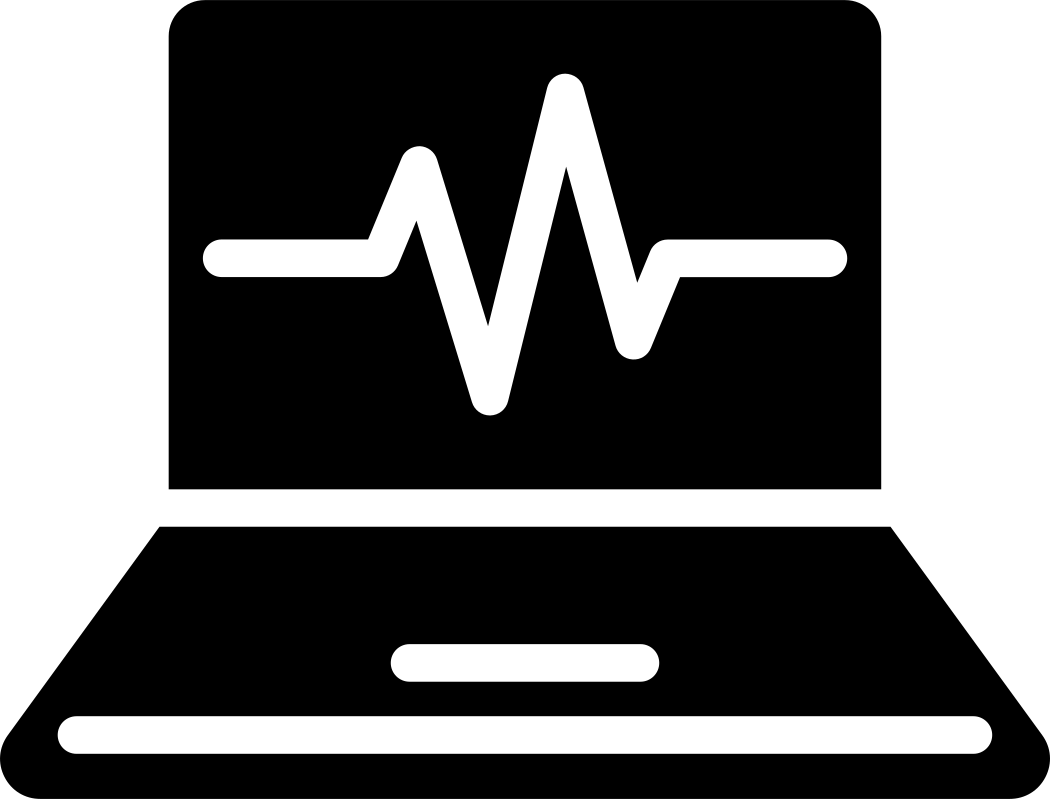
We identify accessible cameras, recording systems, network dependencies, user access and available system information.

We look for configuration, connectivity, recording, storage and platform-related issues.

We separate immediate problems from longer-term technology limitations.

You receive practical recommendations based on the existing system rather than an assumption that everything needs to change.
FAQ
You don't necessarily need more equipment. You need clarity.
We can help you understand the existing surveillance technology, identify the most important problems and determine sensible next steps.
Contact Miami Tech Emergency
Serving businesses and properties across Miami-Dade and selected Broward cities, including Brickell, Downtown Miami, Doral, Coral Gables, Kendall, Hialeah, Miami Beach, Westchester, Fort Lauderdale and Hollywood.
Explore next
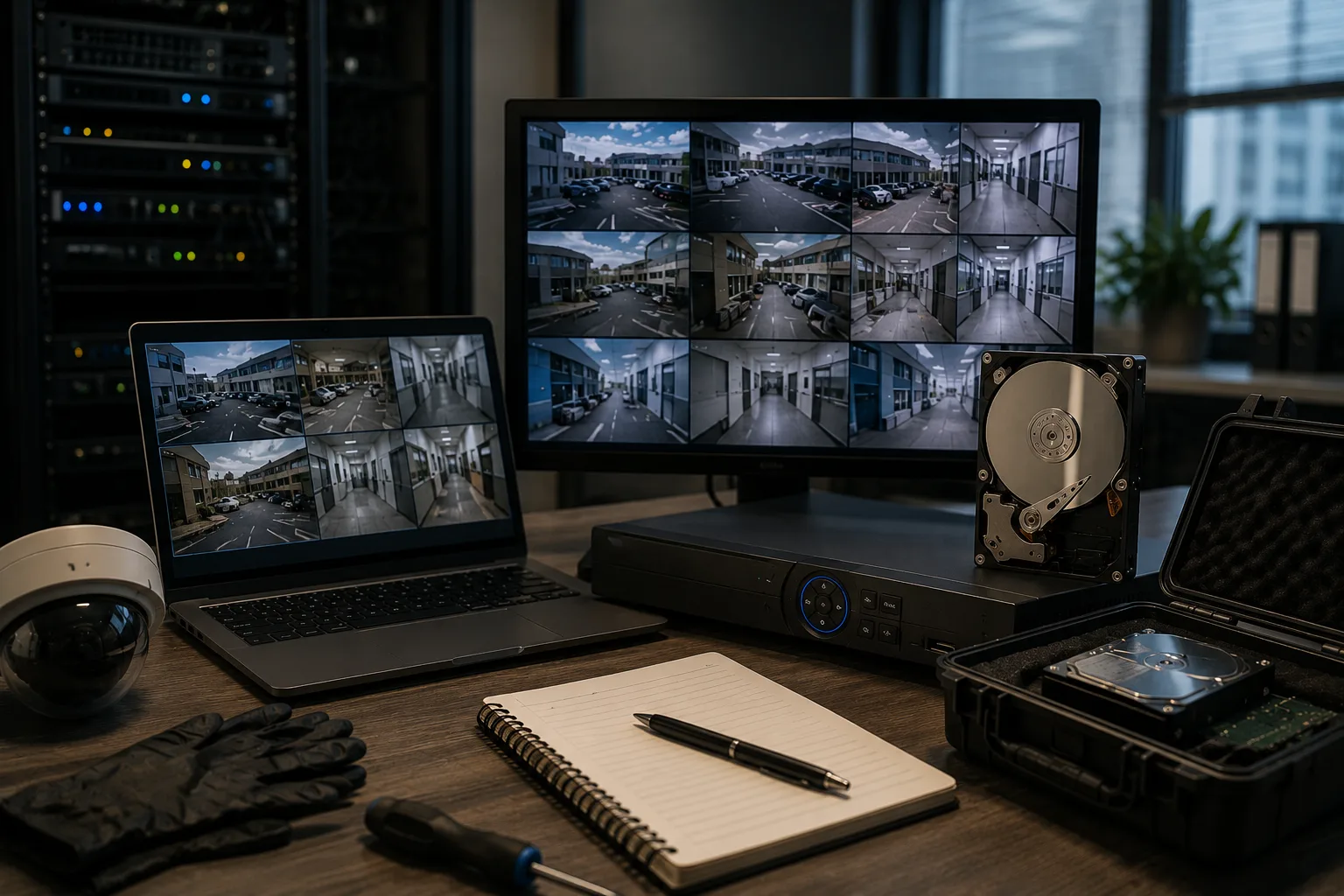
Preserve existing footage before replacing a recorder or changing storage.
Learn more
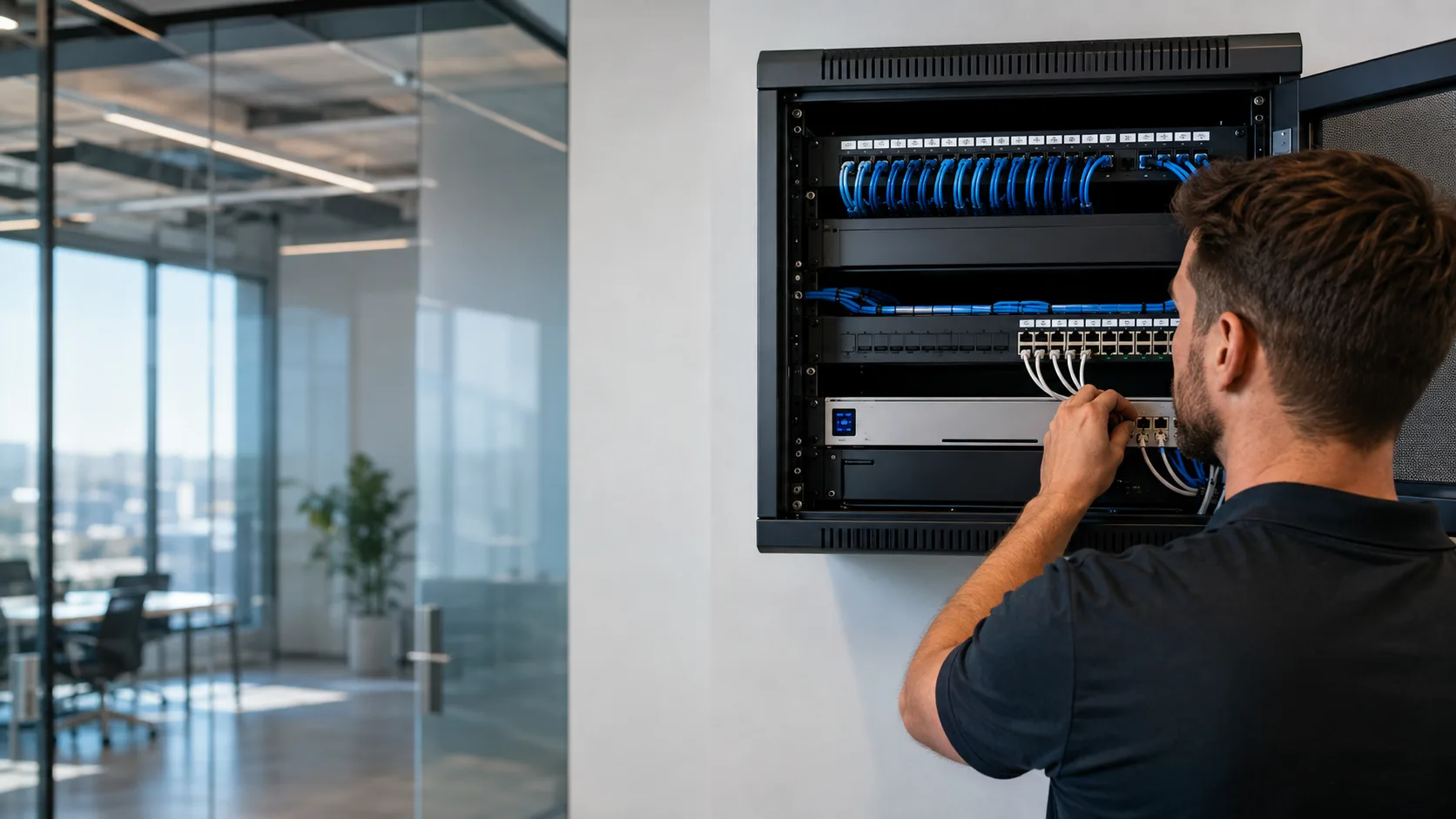
When the network behind the cameras needs to grow.
Learn morePart of our Business Network Services in Miami.


We provide on-site computer repair across Miami-Dade and selected Broward cities, with availability confirmed by schedule, distance, and service type.
Miami-Dade
 BrickellDowntown MiamiWynwoodCoral GablesDoralKendallCoconut GroveMiami BeachNorth MiamiMiami LakesMiami SpringsHialeahWestchesterAventuraSunny Isles BeachBal HarbourSurfsideBay Harbor IslandsPinecrestCutler BayHomesteadMedleySweetwaterEl Portal
Key Broward cities
Fort LauderdaleHollywoodPembroke PinesMiramarDaviePlantationWestonSunriseCoral SpringsNearby neighborhoods may also be available. If you're not sure whether your location is covered, call us and we'll confirm the best option for your area.
Call us to check availabilityMiami Tech Emergency's surveillance technology services focus on assessment, configuration, troubleshooting and technology recommendations for existing systems. Any separately regulated electrical or low-voltage contracting work, when required, is outside this service scope and must be handled separately by an appropriately licensed trade professional.












 Chat with us on WhatsApp
 Call us at (305) 873-0480
 Text us at (305) 873-0480