Separated Guest Access
Keep visitors isolated, prevent access to internal devices, control bandwidth, reduce impact on employees, and apply schedules or session limits when appropriate.
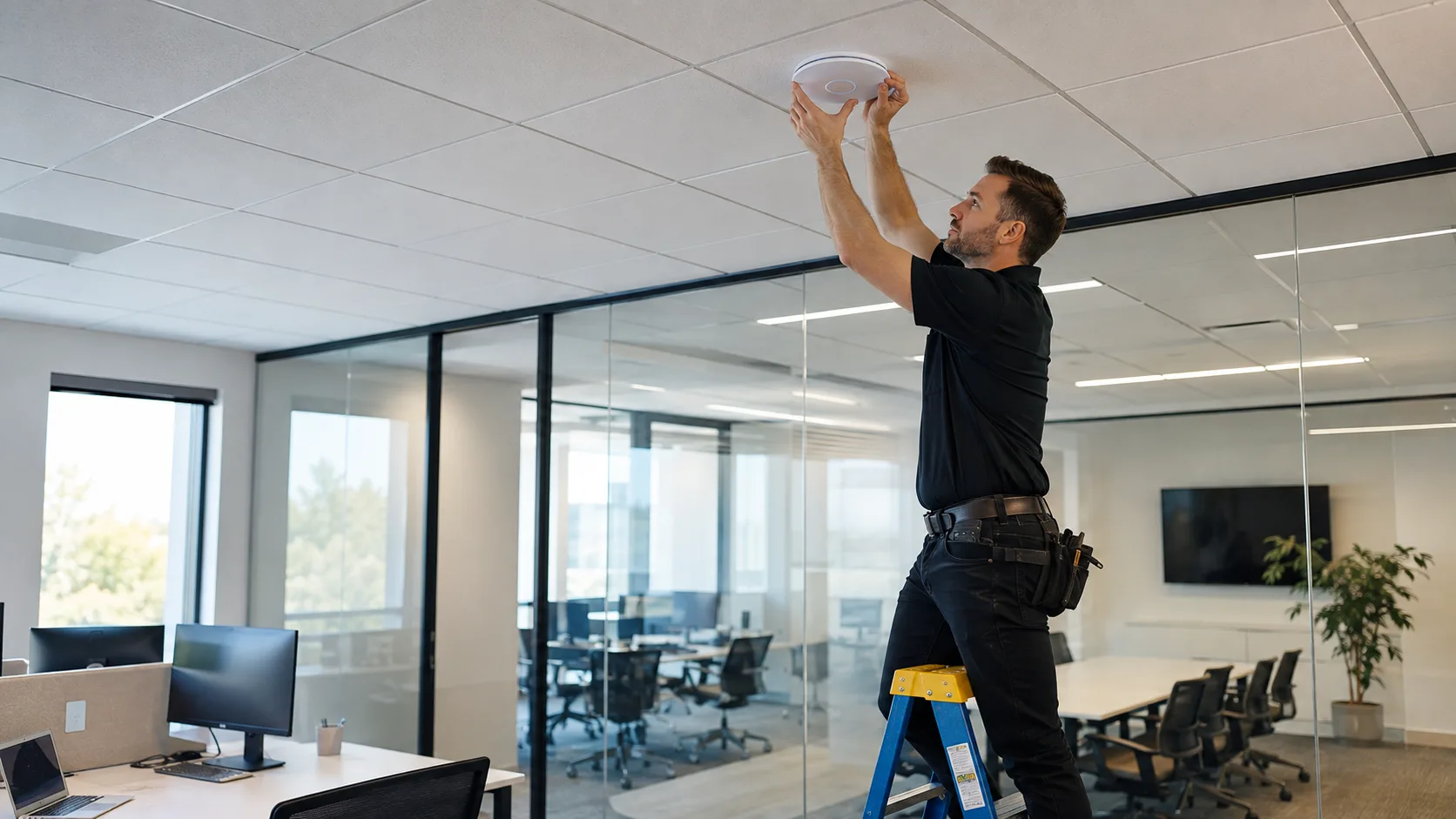

Business Wi-Fi troubleshooting, coverage improvement, and modernization for Miami offices, professional firms, restaurants, retail locations, warehouses, and growing teams.
On-site service · Miami-Dade · Hablamos Español
Having Wi-Fi is not the same as having business-ready Wi-Fi.
Is your business Wi-Fi unreliable?
A connected Wi-Fi icon does not guarantee a stable, usable connection. These problems often point to the wireless network itself, not necessarily a slow internet plan.
These are diagnostic signals, not guesses. The visit confirms the root cause before work begins.
Internet works near the router but drops or becomes unusable in conference rooms, offices, kitchens, warehouse areas, or other parts of the business.
Employees, tablets, printers, POS devices, cameras, or smart equipment disconnect and reconnect without a clear pattern.
Video meetings and cloud applications slow down even though your internet plan appears fast enough on paper.
Printers and shared devices work for some people or at certain times, then become unreachable when the business gets busy.
Wi-Fi seems healthy with a few people present but struggles as employees, customers, and more devices connect.
Customers complain about speed or reliability, or guest traffic interferes with the network your team depends on.
A faster plan will not fix bad Wi-Fi
Before recommending more internet bandwidth, we look at how the wireless network is actually performing and what may be limiting it.
Walls, distance, building materials, and poor placement can weaken an otherwise capable wireless system.
Insufficient coverage creates dead zones, while poorly planned additions can create interference and roaming problems.
Device density and simultaneous traffic can overwhelm equipment even when the signal appears strong.
Hardware designed for a home may not support the coverage, visibility, security, and capacity a business now requires.
Neighboring networks, improper channel selection, and heavy usage can make performance unpredictable throughout the day.
Access points, switches, cabling, or internet handoffs may be limiting the wireless network behind the scenes.
Capacity matters
Business Wi-Fi should be designed for devices and traffic, not simply the number of employees.
15
Computers
15
Employee phones
Several
Tablets
Multiple
Printers
Always on
Cameras & smart devices
Shared
Meetings, VoIP & guests
What we evaluate and improve
The right solution depends on the space, the workload, and the systems your business needs to keep online.
We evaluate the internet connection, router or firewall, access points, coverage, connected devices, congestion, switches, cabling, and configuration before recommending replacement.
Access point locations and coverage are planned around where people and critical devices actually work, not simply where the internet line enters the building.
We consider simultaneous users, application types, video calls, cloud services, guest traffic, device density, and available bandwidth.
Visitors can be isolated from computers, printers, POS systems, cameras, and other business devices, with appropriate access and bandwidth controls.
We identify critical devices that should use a wired connection instead of depending on Wi-Fi when stability matters more than mobility.
Outdated equipment, unnecessary extenders, overlapping network names, poor placement, and undocumented connections can be simplified into a more manageable system.
Coverage where you actually work
We evaluate offices, conference rooms, reception areas, retail floors, restaurants, warehouses, outdoor areas, common spaces, multiple floors, and difficult building materials.
Law firms, accounting and tax offices, insurance agencies, consulting firms, real estate teams, and property managers.
Businesses using cloud applications, shared documents, video conferencing, professional equipment, and sensitive systems.
POS terminals, kitchen printers, staff tablets, guest access, cameras, and mobile devices all competing for reliable connectivity.
Registers, inventory systems, employee devices, security equipment, and customer Wi-Fi operating at the same time.
Large floors, concrete walls, separated work zones, outdoor areas, clubhouses, and multi-story locations.
Networks that started simply but accumulated more people, devices, access points, extenders, and workarounds over time.
Security and reliability
Customer access should not expose the same network used by computers, printers, POS systems, cameras, or other business devices.
Keep visitors isolated, prevent access to internal devices, control bandwidth, reduce impact on employees, and apply schedules or session limits when appropriate.
Not every device should be treated the same. Sometimes the best Wi-Fi decision is moving POS, VoIP, printers, professional equipment, or security systems to a wired connection.
Improve before replacing
We start by understanding the existing environment instead of assuming every problem requires a completely new network.
You may not need a completely new network. If placement or configuration changes can solve the problem with existing equipment, replacement may not be necessary.
When aging hardware, improvised extenders, multiple Wi-Fi names, and weak wired infrastructure have accumulated, we can plan a cleaner and more scalable environment.
Plan for today and tomorrow
Whether the location is new or the network has grown over years, planning and visibility help eliminate guesswork.
Plan internet service location, network equipment, access points, cabling, employee and guest networks, capacity, and future expansion before workarounds become permanent.
Depending on the equipment, we can help identify connected, unexpected, or high-bandwidth devices and understand peak usage periods.
POS terminals, kitchen printers, VoIP phones, tablets, cameras, access control, and specialized equipment are reviewed according to their reliability needs.
Multiple access points, centralized management, separate networks, traffic controls, monitoring, security, and proper wired connections are considered as one system.
Clear before we begin
Our on-site diagnostic visit is a flat $150 that covers travel and the first hour of hands-on diagnosis. If you approve the recommended work, the $150 is credited toward the repair. You'll always know the price before anything is touched.
Standard rate for Miami-Dade during business hours. Broward, after-hours, and multi-site visits are quoted when you book and always confirmed before the visit.
Buying a more expensive router or adding random extenders is not a diagnosis. We begin with how the network behaves in the real business environment.

Describe where the issue occurs, which areas or devices are affected, and when performance is worst.

We consider how the location is used, building materials, coverage zones, users, devices, and critical systems.

We determine whether the issue is Wi-Fi coverage, capacity, the local network, equipment configuration, cabling, or the internet connection.

You receive a solution based on the actual problem, from configuration and placement changes to selective upgrades or modernization.
Give visitors controlled internet access separated from business systems.
Explore serviceInstall a centrally managed business network with coverage and segmentation.
Explore serviceDiagnose unreliable internet, devices, cabling, switches, printers, and local network problems.
Explore serviceTell us what is happening, where your business is located, and which areas or devices are experiencing problems.
Questions before your visit
Contact Miami Tech Emergency
Include where the problem occurs, which devices are affected, how many people and devices use the network, and when performance is worst.


We provide on-site computer repair across Miami-Dade and selected Broward cities, with availability confirmed by schedule, distance, and service type.
Miami-Dade
BrickellDowntown MiamiWynwoodCoral GablesDoralKendallCoconut GroveMiami BeachNorth MiamiMiami LakesMiami SpringsHialeahWestchesterAventuraSunny Isles BeachBal HarbourSurfsideBay Harbor IslandsPinecrestCutler BayHomesteadMedleySweetwaterEl PortalKey Broward cities
Fort LauderdaleHollywoodPembroke PinesMiramarDaviePlantationWestonSunriseCoral SpringsNearby neighborhoods may also be available. If you're not sure whether your location is covered, call us and we'll confirm the best option for your area.
Call us to check availability











 Chat with us on WhatsApp
 Call us at (305) 873-0480
 Text us at (305) 873-0480