One-Time Maintenance Visit
A single on-site visit covering the full maintenance checklist. Ideal if your machines haven't been serviced in a while or you want a baseline assessment before deciding on a recurring schedule.
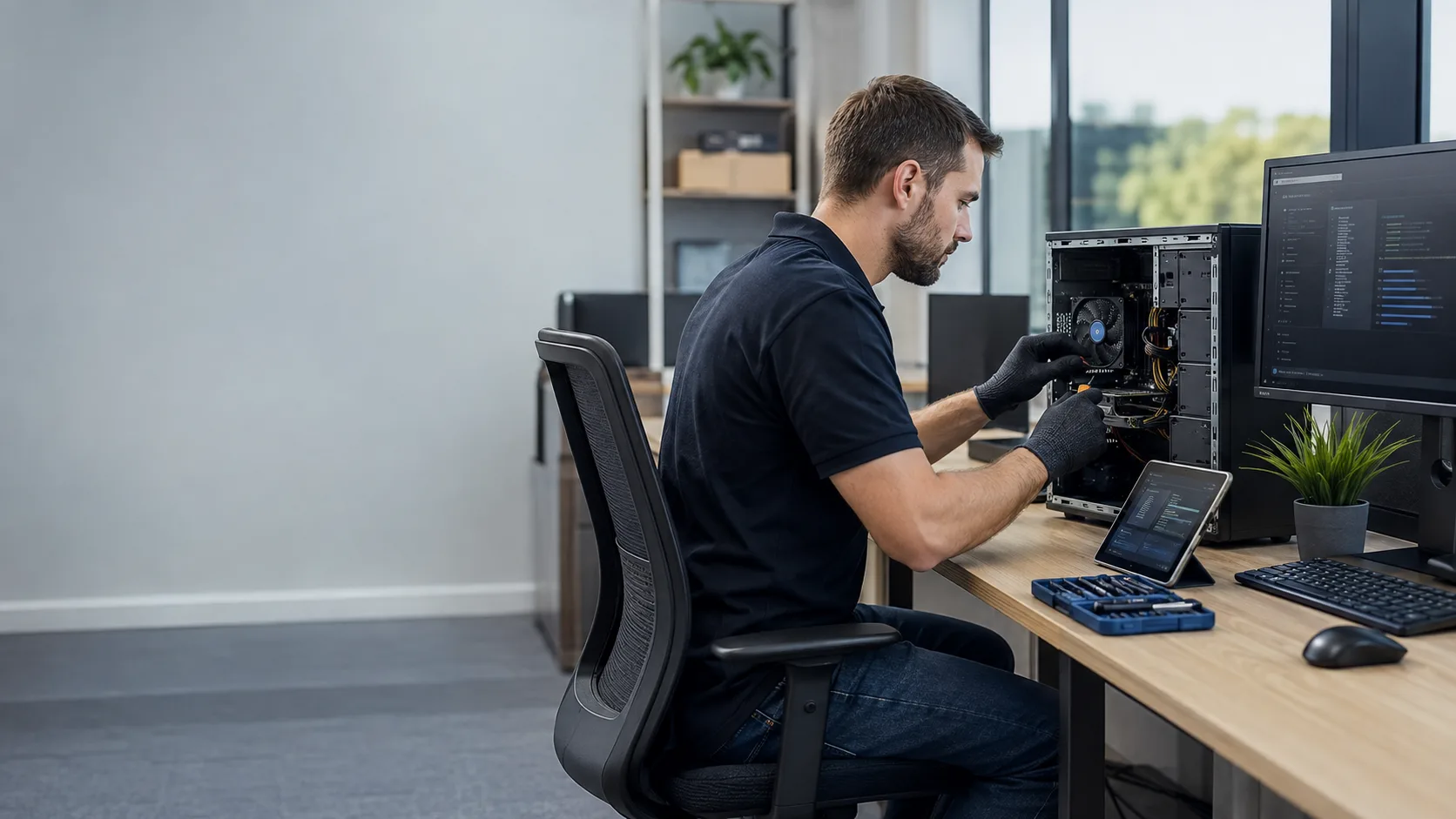

On-site preventive maintenance for Miami businesses and professionals. Regular checkups, performance optimization, and proactive fixes prevent the failures you can't afford before they happen.
One-time or recurring visits · Miami-Dade · Hablamos Español
For connectivity, Wi-Fi, security, and infrastructure support, explore our business network services in Miami.
The cost of doing nothing
They build up slowly: dust accumulating in cooling systems, drives filling up, temp files slowing performance, and software conflicts going unnoticed. By the time something breaks, the damage is already done. Preventive maintenance catches these issues while they're still minor, before they become an emergency that stops your work or your team.
These are diagnostic signals, not guesses. The visit confirms the root cause before work begins.
Dust buildup inside a machine restricts airflow and drives up temperatures. Over time, that heat degrades components and leads to failures that could have been avoided with a simple cleaning.
Machines don't slow down all at once. They slow down gradually until one day everything feels painful. Regular optimization keeps performance where it should be before it becomes a problem.
Hard drives show early signs of failure long before they die. Preventive checks catch those signs while the data is still safe and a planned replacement is still possible.
Outdated software, missing updates, and misconfigured settings create vulnerabilities that accumulate silently. Regular maintenance keeps systems current and protected.
A loose connection, a failing fan, or a corrupted system file is a minor fix today and a major failure next month. Catching it early is always cheaper than fixing it late.
What a maintenance visit covers
Full dust removal from fans, heatsinks, vents, and internal components. Thermal paste inspection and reapplication when needed. Cooling systems verified and tested before we leave.
System startup analysis, background process review, temp file cleanup, and disk optimization. We identify what's slowing the machine down and fix it during the same visit.
Full S.M.A.R.T. scan to assess drive health and detect early signs of failure. If a drive is showing warning signs, we flag it and give you a clear recommendation before it becomes a crisis.
OS and software update verification, antivirus status check, and a review of installed programs for anything that shouldn't be there.
Physical inspection of internal components, including connections, capacitors, ports, and peripherals. We look for signs of wear or damage that could cause problems down the line.
After every visit, you get a clear summary of what we found, what we fixed, and what to watch for, so you're never in the dark about the state of your machines.
One-time or recurring. Your choice.
Not every business needs the same maintenance schedule. Some clients want a one-time tune-up after noticing slowdowns. Others want regular visits to keep their machines running at peak performance year-round. We offer both.
A single on-site visit covering the full maintenance checklist. Ideal if your machines haven't been serviced in a while or you want a baseline assessment before deciding on a recurring schedule.
Scheduled visits, monthly, quarterly, or as needed, to keep your machines consistently maintained. Ideal for businesses with multiple workstations where reliability is critical to daily operations. Recurring clients receive priority scheduling.
Who this is built for
Preventive maintenance makes the most sense when your machines are central to how your business operates. These are the clients who benefit most:
A team that depends on working computers every day, such as law firms, accounting offices, and real estate agencies. Regular maintenance keeps everyone operational and eliminates the surprise repair that derails a deadline.
POS systems, back-office computers, and ordering terminals that can't afford to go down during service. Scheduled maintenance means problems are caught between services, not during them.
Patient management systems and clinical workstations that need to be reliable every single day. We schedule visits around your patient hours to keep operations uninterrupted.
Freelancers, consultants, and remote workers whose entire workflow lives on one machine. A maintenance plan is the closest thing to IT support without hiring someone full time.

Tell us how many machines need servicing and how long it's been since they were last maintained. We'll recommend a starting point.

We coordinate a time that works around your business hours. For offices with multiple machines, we sequence visits to minimize disruption.

We work through the full maintenance checklist on-site: cleaning, diagnostics, optimization, and inspection. Most single-machine visits are completed in under two hours.

We walk you through what we found, what we fixed, and anything to watch for, then set the next visit if you're on a recurring plan.
Maintenance pricing is based on the number of machines and visit frequency. It is quoted clearly before every visit, with no hourly billing or surprise charges.
A maintenance visit costs a fraction of an emergency repair and prevents most of them.
Full maintenance checklist for one machine. Priced as a flat on-site visit fee.
Multiple workstations serviced in a single visit. Priced per machine with a clear total upfront.
Clients on recurring plans receive priority scheduling and consistent per-visit pricing. Frequency and pricing confirmed before the plan begins.
No upfront payment required. All pricing confirmed before the visit.
If you can't remember, it's probably been too long. Dust, heat, and software decay accumulate silently, and the longer it goes unaddressed, the more likely something fails at the worst moment.
We respond within a few hours during business hours. For offices with multiple machines, a brief call may help us prepare for the visit.
Not sure if your machines need maintenance? Call us. We'll ask a few questions and give you an honest answer.
Prefer a faster response? Email info@miamitechemergency.com or call (305) 873-0480.


We provide on-site computer repair across Miami-Dade and selected Broward cities, with availability confirmed by schedule, distance, and service type.
Miami-Dade
 BrickellDowntown MiamiWynwoodCoral GablesDoralKendallCoconut GroveMiami BeachNorth MiamiMiami LakesMiami SpringsHialeahWestchesterAventuraSunny Isles BeachBal HarbourSurfsideBay Harbor IslandsPinecrestCutler BayHomesteadMedleySweetwaterEl Portal
Key Broward cities
Fort LauderdaleHollywoodPembroke PinesMiramarDaviePlantationWestonSunriseCoral SpringsNearby neighborhoods may also be available. If you're not sure whether your location is covered, call us and we'll confirm the best option for your area.
Call us to check availability











 Chat with us on WhatsApp
 Call us at (305) 873-0480
 Text us at (305) 873-0480