Cloud Backups & File Synchronization
Scheduled transfers and continuous synchronization can consume significant upstream or downstream capacity in the background.
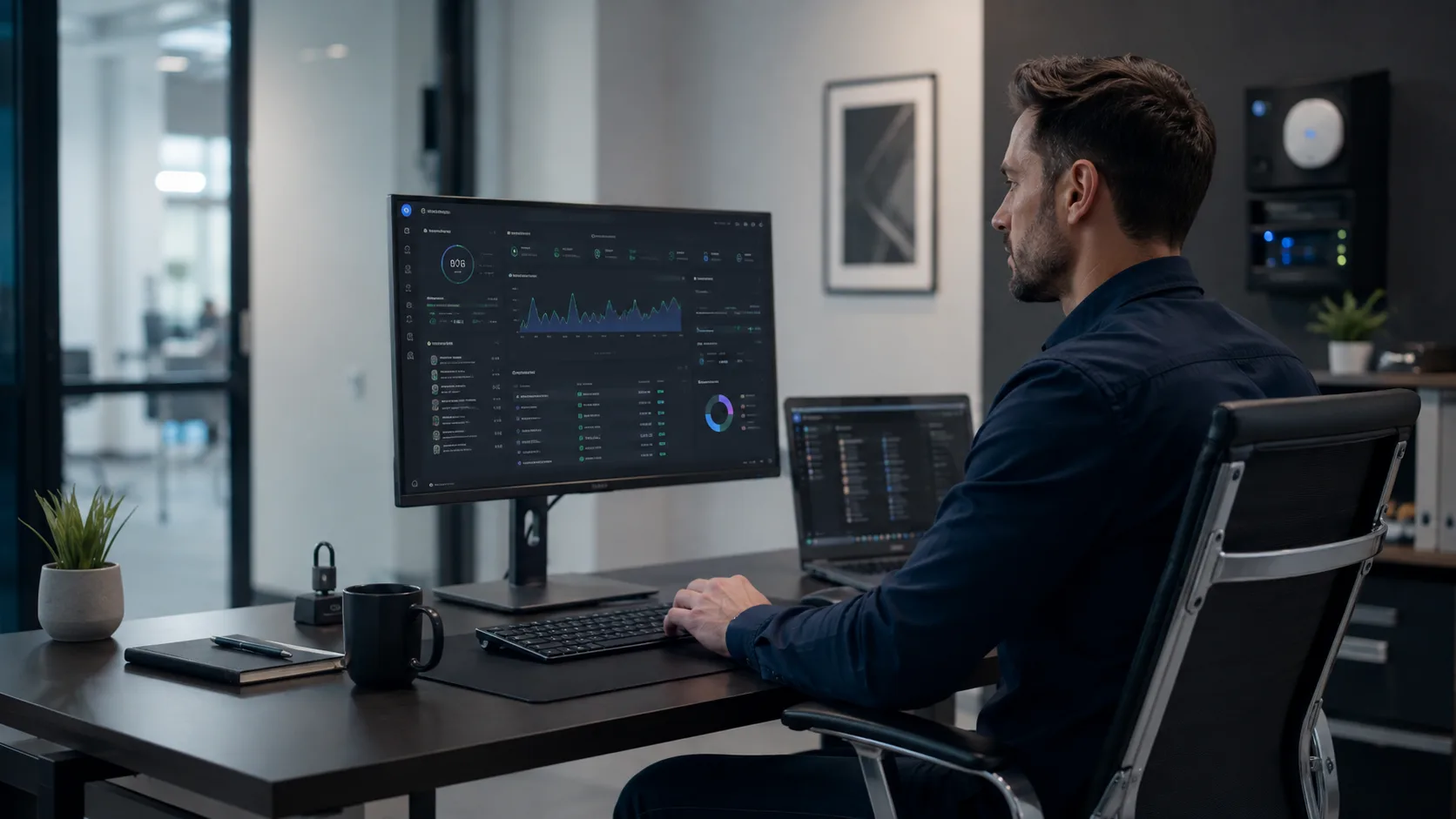

Business network monitoring and visibility for Miami companies that need to understand connected devices, bandwidth usage, internet outages, equipment health, traffic patterns, failover, and unusual activity.
Device inventory · Usage trends · Outage history · Alerts
You cannot manage a network you cannot see.
The network is probably busier than expected
Modern business networks contain computers, phones, printers, cameras, POS, displays, access control, smart devices, guests, cloud-connected equipment, and services communicating continuously in the background.
These are diagnostic signals, not guesses. The visit confirms the root cause before work begins.
The business cannot confidently identify every computer, phone, printer, camera, POS device, guest, or piece of network equipment currently connected.
Internet performance becomes slow, but nobody knows whether the cause is backups, cameras, updates, guests, streaming, cloud services, or one device.
Employees remember that the network felt slow yesterday, but there is no data showing when usage changed or what happened at the time.
Every interruption is described as “the internet being down” even when the actual issue may be Wi-Fi, an access point, switch, cable, DNS, or one area of the office.
Overnight interruptions, short provider failures, failover events, and recurring connectivity problems may occur without anyone documenting them.
A switch, access point, internet service, or other network device may be unavailable long before the right person knows where the problem began.
What monitoring can reveal
Available visibility depends on the network platform and configuration, but useful monitoring should answer operational questions instead of simply producing more data.
Identify device names and types, wired or wireless connections, connection location, recent activity, unfamiliar devices, and high-usage systems when supported.
Understand which devices, guests, cloud services, cameras, backups, downloads, updates, calls, or other activities consume network capacity.
See peak usage periods, recurring slowdowns, historical activity, Wi-Fi utilization, and how the network behaves beyond a one-time speed test.
Create useful history around outages, interruptions, recovery, primary service, backup service, and failover events.
Depending on the infrastructure, track routers, firewalls, switches, access points, internet connections, and other managed network devices.
Surface important changes such as internet loss, equipment becoming unavailable, backup activation, or unexpected devices without constant notification noise.
Where is bandwidth going?
Sometimes a business needs more bandwidth. Sometimes one device, guest traffic, cameras, backups, or an avoidable schedule is consuming a disproportionate share of the existing connection.
Scheduled transfers and continuous synchronization can consume significant upstream or downstream capacity in the background.
Cloud recording, remote viewing, multiple streams, and always-connected surveillance equipment may generate substantial ongoing traffic.
Operating systems, software, devices, and application deployments can temporarily saturate a connection during business hours.
Visitor traffic can be unpredictable and may interfere with employees when it is not visible or governed by appropriate policies.
Conferencing, training, displays, music, social platforms, and video services can create peaks that affect operational traffic.
Cloud storage, portals, line-of-business software, file transfers, and other services may have traffic patterns worth understanding.
See trends, not snapshots
Historical information can reveal peak periods, recurring slowdowns, device activity, internet availability, Wi-Fi utilization, and equipment status after the symptom has already disappeared.
Provider or local network?
Monitoring can help distinguish an ISP outage from Wi-Fi interference, an offline access point, a switch or cable failure, excessive bandwidth use, a DNS problem, or one affected area.
Monitoring for Miami businesses
Network problems affect employees, communications, customer service, payments, online systems, and critical cloud access. More complex device environments benefit from clearer operational context.
Accounting, tax, law, insurance, finance, consulting, engineering, architecture, real estate, and property management firms.
Professional environments relying on cloud applications, communications, administrative systems, secure services, and connected equipment.
POS, payments, inventory, cameras, displays, guest access, office systems, and employee devices sharing one location.
Registers, ordering systems, delivery tablets, kitchen printers, cameras, guest Wi-Fi, office computers, and digital services.
Locations depending on cameras, access systems, remote management, cloud tools, communications, and multiple connected areas.
Teams without a dedicated network administrator that need clearer information before approving upgrades or reacting to recurring problems.
Visibility that leads to action
Monitoring becomes valuable when it helps the business choose a specific response instead of repeatedly rebooting equipment or purchasing unnecessary upgrades.
If guest or non-critical traffic consumes too much capacity, limits and prioritization may solve the actual problem better than a larger internet plan.
Historical usage can help determine whether the connection is genuinely saturated or whether Wi-Fi, equipment, or an ISP interruption is the real bottleneck.
Device distribution, access point status, client activity, and peak utilization can help identify coverage, density, or infrastructure limitations.
Unknown, guest, camera, smart, and business-critical devices can be organized more intentionally once the network inventory is understood.
Failover history and critical-traffic requirements can help evaluate whether backup service is working and appropriately sized.
Monitoring data can justify targeted infrastructure changes with evidence instead of relying only on complaints and one-time tests.
Useful alerts, not constant noise
Depending on the equipment, alerts may identify internet loss, equipment becoming unavailable, backup activation, unexpected devices, or other meaningful network events without requiring someone to watch a dashboard all day.
For ongoing visibility, information can be summarized into useful business context instead of overwhelming the reader with technical statistics.
The objective is network health, performance, reliability, and security, not reading messages, capturing passwords, or inspecting private communication content.
Is the network healthy? What devices are connected? Where is bandwidth being consumed? When do problems occur? Is critical equipment online? Is activity unusual or unexpected?
Review before replacing
We begin by understanding the infrastructure already installed and what information or management capabilities it can provide.
Managed routers, switches, access points, or controllers may already provide useful information that has never been configured, centralized, or reviewed.
Additional equipment or modernization may be appropriate when the current network cannot provide the operational insight, alerts, or history the business needs.
From reactive to proactive
Better visibility creates a history of how the network behaves, making recurring problems easier to identify and future infrastructure decisions easier to justify.
Clear before we begin
Our on-site diagnostic visit is a flat $150 that covers travel and the first hour of hands-on diagnosis. If you approve the recommended work, the $150 is credited toward the repair. You'll always know the price before anything is touched.
Standard rate for Miami-Dade during business hours. Broward, after-hours, and multi-site visits are quoted when you book and always confirmed before the visit.
Monitoring should clarify the network, not create another dashboard nobody understands.

Tell us about recurring slowdowns, unknown devices, outages, bandwidth questions, guest activity, failover, equipment status, or reporting goals.
We evaluate the current router, switches, access points, controller, internet services, device inventory, and available historical visibility.

Available device, traffic, internet, equipment, alerting, and reporting features are organized around meaningful business questions.

Visibility is used to explain patterns, identify recurring problems, protect bandwidth, support redundancy, and justify practical improvements.
Find risks early with documented findings and prioritized recommendations.
Explore serviceSeparate employees, guests, POS, cameras, and smart devices.
Explore serviceKeep critical systems online with secondary service and automatic failover.
Explore serviceIf the answer is “not really, we just know when it stops working,” we can review the current infrastructure and identify practical ways to improve device, bandwidth, internet, and equipment visibility.
Questions before your visit
Contact Miami Tech Emergency
Include the business type, current equipment, recurring problems, unknown devices, bandwidth concerns, outage history, failover, alerts, or reporting goals.


We provide on-site computer repair across Miami-Dade and selected Broward cities, with availability confirmed by schedule, distance, and service type.
Miami-Dade
 BrickellDowntown MiamiWynwoodCoral GablesDoralKendallCoconut GroveMiami BeachNorth MiamiMiami LakesMiami SpringsHialeahWestchesterAventuraSunny Isles BeachBal HarbourSurfsideBay Harbor IslandsPinecrestCutler BayHomesteadMedleySweetwaterEl Portal
Key Broward cities
Fort LauderdaleHollywoodPembroke PinesMiramarDaviePlantationWestonSunriseCoral SpringsNearby neighborhoods may also be available. If you're not sure whether your location is covered, call us and we'll confirm the best option for your area.
Call us to check availability











 Chat with us on WhatsApp
 Call us at (305) 873-0480
 Text us at (305) 873-0480