Loading Miami Tech Emergency
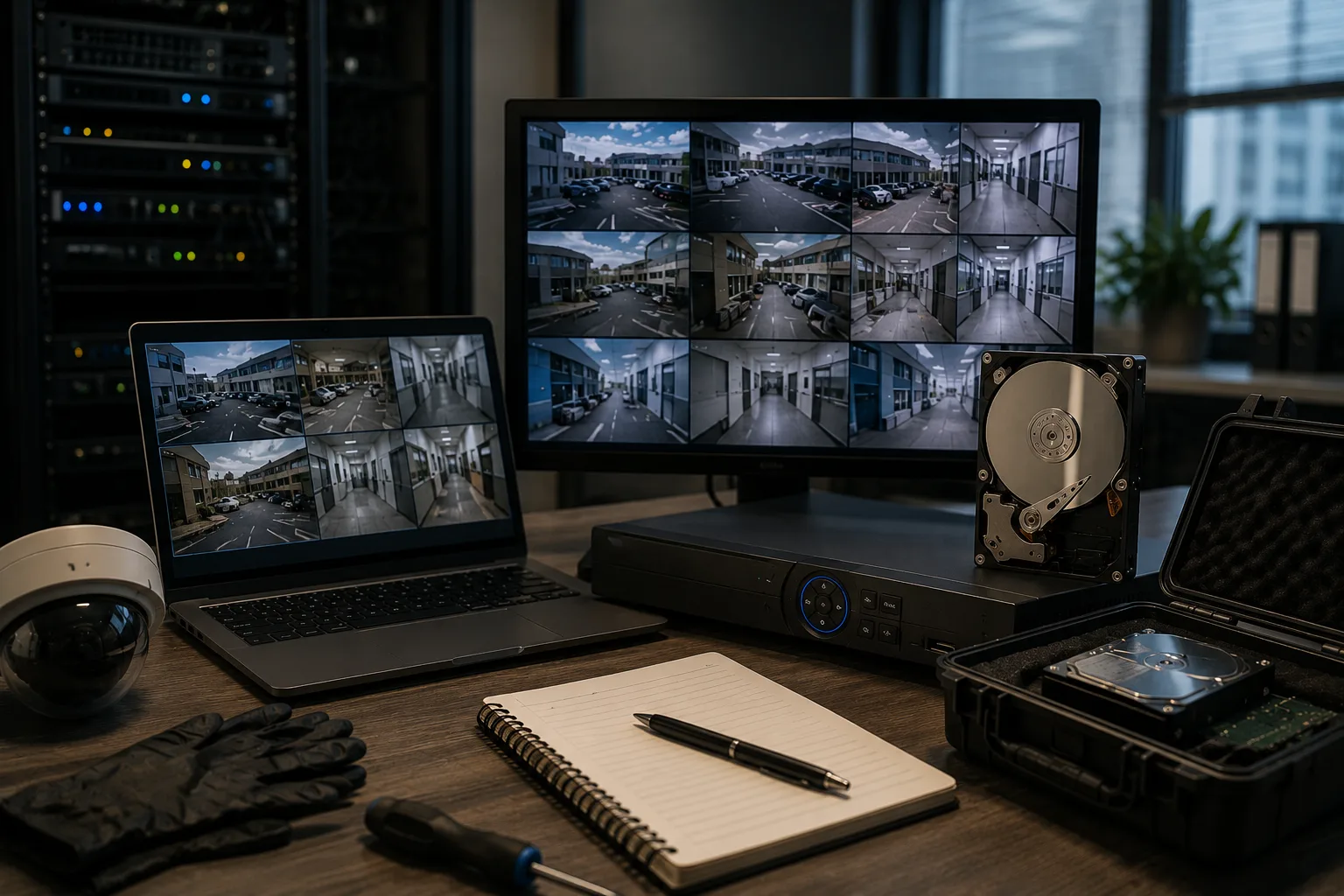
Professional security camera monitoring environment with multiple video feeds and recording equipment
CCTV, DVR & NVR systems

Security Camera Video Backup & Evidence Preservation in Miami

Preserve important surveillance footage before it is overwritten, an NVR is replaced or the original storage configuration changes.

Service starts at $300. Final pricing is confirmed after the recorder and preservation scope are reviewed.

When surveillance footage matters, time matters

Preserve the Recording Before the System Overwrites It

Most recorders continuously reuse the same storage. Footage that is available today may disappear when newer recordings replace it. We help you understand what is stored and choose a practical preservation approach before unnecessary changes are made.

  • 01

    An Incident Was Captured

    Preserve identified footage of a theft, accident, property damage event, workplace incident, unauthorized entry or other recorded event.

  • 02

    Insurance or Adjuster Request

    Prepare accessible copies of recordings requested for an authorized claim or property incident review when the recorder supports an appropriate export.

  • 03

    Attorney or Legal Team Request

    Retain the cameras, dates and time ranges identified by your legal team without asking a general IT workflow to determine legal relevance.

  • 04

    Before an NVR or DVR Is Replaced

    Evaluate what needs to be retained before the old recorder or its storage is removed from service.

  • 05

    The Recorder Is Reusing Storage

    Protect older footage before rolling retention replaces it with newer recordings.

  • 06

    You Need More Than a Few Clips

    Plan for multiple cameras, many hours, several days or a larger archive that exceeds a simple USB clip export.

Technical preservation assistance

What We Can Help You With

The client identifies the cameras, recordings and time periods that need to remain available. We evaluate the recorder and storage before recommending a method.

  • Recorder & Storage Assessment

    Review recorder type, cameras, recording status, storage, retention window, relevant dates, export options and possible proprietary formats.

  • Native NVR / DVR Video Export

    Export client-identified cameras and time ranges using supported recorder tools, suitable external storage and supplied playback software when applicable.

  • Large Surveillance Archive Backup

    Evaluate supported approaches for larger periods of footage that are too extensive for a small clip-export workflow.

  • Original Surveillance Drive Preservation

    Assess whether removing and retaining an original recording drive while installing replacement storage is practical for the system.

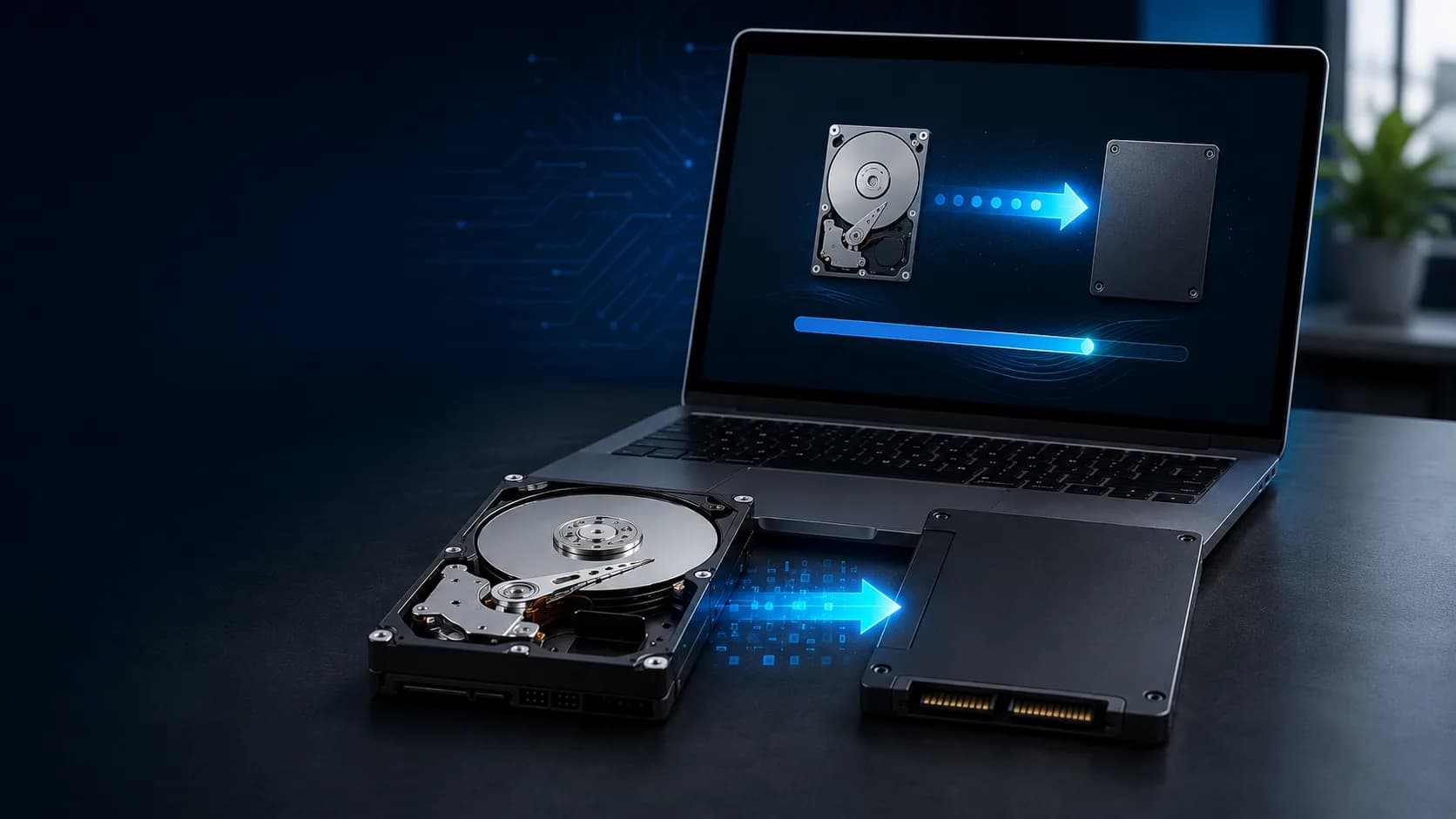
  • Sector-Level Storage Duplication

    Consider a sector-level copy when the recorder, disk structure and technical circumstances make duplication appropriate.

  • Replacement Surveillance Storage

    Identify and install suitable replacement storage when retaining the original drive requires taking it out of active recording service.

  • Playback Verification

    Check representative exported files with the supported playback method, including manufacturer-specific players or codecs when required.

  • Technical Documentation

    Document the recorder, storage handled, approximate data size, service date, method used and basic verification performed when appropriate.

The right method depends on the system

Four Practical Preservation Paths

There is no universal method for every recorder. The system, storage format, footage volume and your objective determine the safest practical approach.

  • Native Video Export

    Export identified clips or date ranges directly from supported NVR or DVR tools.

  • Archive to External Storage

    Save larger supported exports to a dedicated external SSD or hard drive.

  • Preserve the Original Drive

    Retain the existing surveillance drive outside active service while compatible replacement storage keeps the recorder operating.

  • Storage Duplication

    Create a sector-level copy when the storage structure and circumstances make duplication technically appropriate.

Proprietary storage formats

An NVR Drive May Not Work Like a Windows Drive

Surveillance recorders may use proprietary file systems, codecs, databases and disk layouts. A drive that Windows cannot read is not automatically empty or damaged. Do not format or initialize it before the storage structure is evaluated.
Preservation is different from conversion

Keep the Original Recording Environment in Mind

Some recordings rely on proprietary players, codecs, metadata, databases or multiple related files. Preserving the original export or storage structure may be appropriate in addition to creating convenient viewing copies.

Preserve first, change the system second

Before Replacing or Resetting a Recorder

  • Contact us before you factory reset the recorder.
  • Contact us before you reformat or initialize an nvr drive.
  • Contact us before you replace the recorder.
  • Contact us before you remove existing storage.
  • Contact us before you change raid or storage configuration.
  • Contact us before you perform firmware changes that may affect access.
  • Contact us before you allow retention to overwrite the relevant dates.

For authorized clients and professional teams

Who This Specialized Service Supports

  • Businesses & Property Owners

    Preserve video related to theft, accidents, damage, unauthorized access or other incidents.

  • Property Managers & Associations

    Retain recordings from common areas, parking lots, entrances, elevators, amenities and access points.

  • Attorneys & Legal Teams

    Get technical preservation assistance for recordings your legal team has identified.

  • Investigators

    Keep existing surveillance footage available for an authorized investigation and later review.

  • Insurance & Claims Support

    Preserve client-identified video requested for a claim, incident review or property-loss matter.

On-site in Miami & South Florida

We Come to the Recorder

Working at the property allows the recorder and original storage to remain under client control. Travel charges may apply outside the standard service area.

What to have ready

Incident Information

Have the approximate date, start and end time, relevant cameras, current recording status and expected retention window ready if possible.

Recorder Information

Share the manufacturer, model, camera count, installed storage and photos of the recorder or system information screen when available.

Available Credentials

Administrative access may be required for export, storage, playback or configuration functions. We do not bypass unknown passwords.

Destination Storage

Additional storage may be needed depending on the footage volume and preservation method. We can help determine suitable capacity.

Surveillance evidence backup & preservation

$300

Starting price

Simple clip exports may fit standard camera support. Specialized preservation covers larger, time-sensitive or non-routine requirements.

Request a Preservation Assessment

What affects the final price

Every Surveillance System Is Different

  • Recorder type and storage configuration
  • Number of cameras and date ranges
  • Amount of footage and export speed
  • Proprietary formats or playback requirements
  • Original-drive removal or storage duplication
  • Replacement or external storage requirements
  • Time required for verification and documentation

Explore next

Related Services

Part of our Business Network Services in Miami.

Clear service boundaries

What This Service Does Not Include

This is technical support and data-preservation assistance. The authorized client identifies the cameras, recordings and time periods that need to be preserved.

  • Legal advice or decisions about evidentiary relevance
  • Evidence authentication or admissibility opinions
  • Expert-witness testimony or certified forensic examination
  • Independent private investigation or crime reconstruction
  • Identification of suspects
  • Bypassing recorder passwords or security controls
  • Recovery guarantees for damaged or overwritten drives
  • A guarantee that deleted or overwritten video can be restored

FAQ

Surveillance Evidence Backup FAQs

Contact Miami Tech Emergency

Preserve the Footage Before the System Moves On

Tell us the approximate incident date, cameras involved, recorder make and model, current retention window and how much footage you need to preserve. On-site service is available across Miami-Dade and surrounding South Florida.

Miami skyline at sunset
Miami Icon

Miami-Dade & Broward Service Areas

We provide on-site computer repair across Miami-Dade and selected Broward cities, with availability confirmed by schedule, distance, and service type.

Miami-Dade

  • Brickell
  • Downtown Miami
  • Wynwood
  • Coral Gables
  • Doral
  • Kendall
  • Coconut Grove
  • Miami Beach
  • North Miami
  • Miami Lakes
  • Miami Springs
  • Hialeah
  • Westchester
  • Aventura
  • Sunny Isles Beach
  • Bal Harbour
  • Surfside
  • Bay Harbor Islands
  • Pinecrest
  • Cutler Bay
  • Homestead
  • Medley
  • Sweetwater
  • El Portal

Key Broward cities

  • Fort Lauderdale
  • Hollywood
  • Pembroke Pines
  • Miramar
  • Davie
  • Plantation
  • Weston
  • Sunrise
  • Coral Springs

Nearby neighborhoods may also be available. If you're not sure whether your location is covered, call us and we'll confirm the best option for your area.

Call us to check availability

Service Scope

Miami Tech Emergency provides technical assistance for client-identified surveillance recordings. This service does not authenticate evidence, determine legal relevance, provide forensic conclusions or guarantee recovery of overwritten footage. Any separately regulated electrical or low-voltage contracting work is outside this service scope.

Servicing professional laptops, desktops, and workstations from leading manufacturers:
Toshiba
Microsoft Surface
IBM
Lenovo
Samsung
Apple
ASUS
Dell
HP
Acer
Ubiquiti
Unifi